 Karani
An automated trading dashboard you can read at a glance
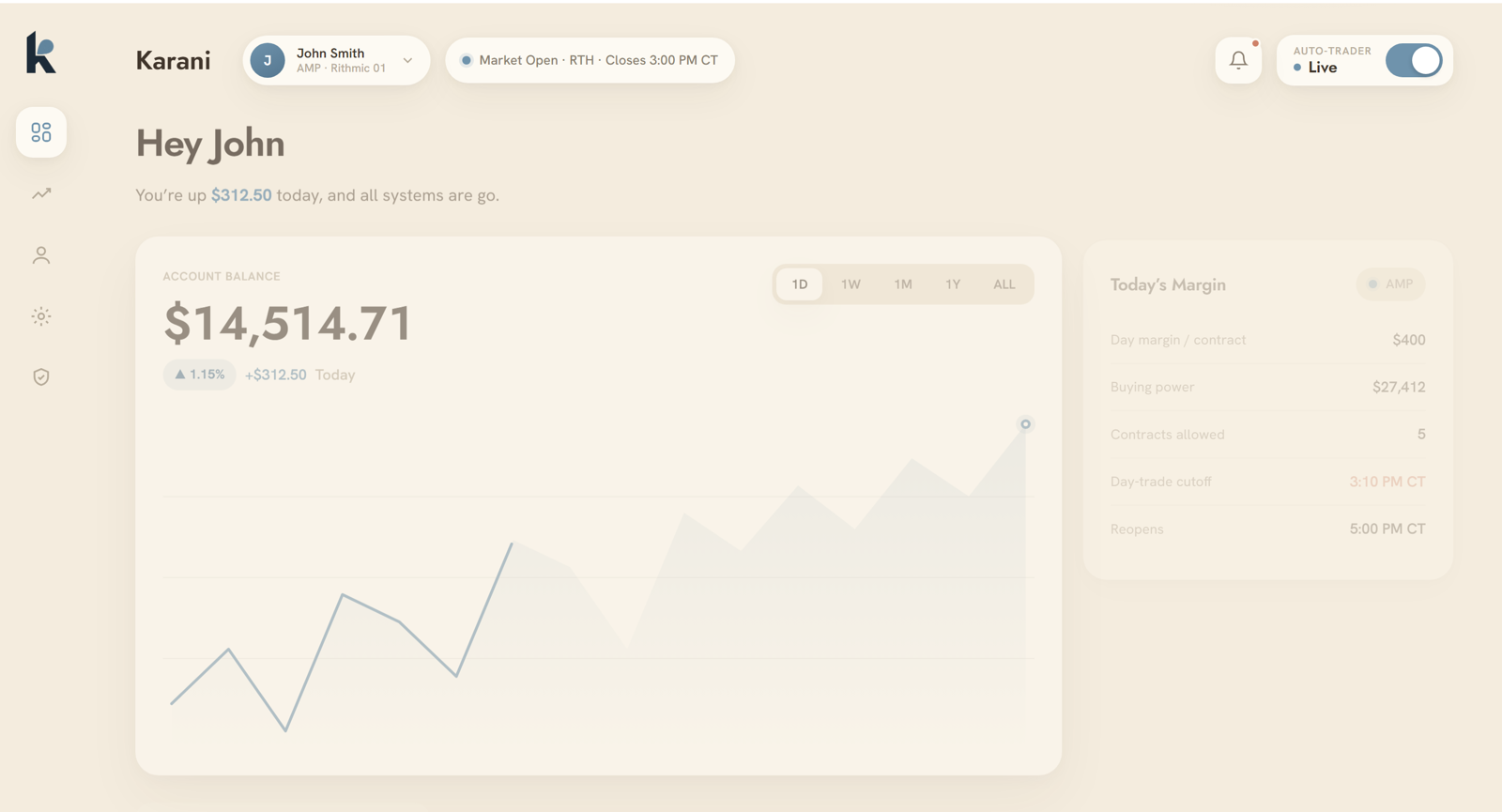
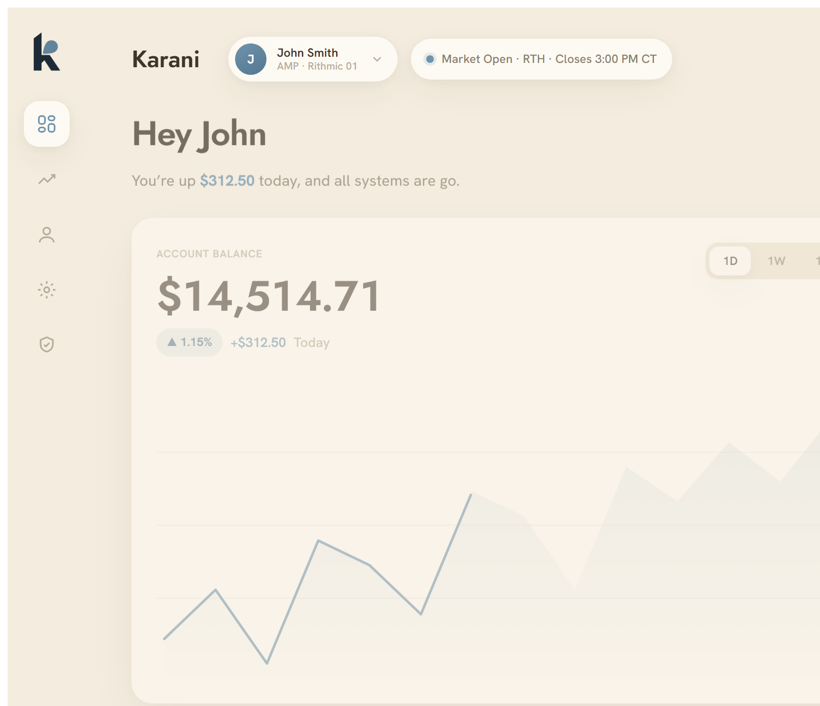
An automated trading dashboard is where you watch a system without having to run it. The Karani dashboard app shows your live balance and today’s profit and loss, your equity over any timeframe, every trade marked win or loss, the ES ticking live, and a panel that confirms the system is running. It is an iOS app, so the whole account fits on one calm screen in your pocket.
 Live · Auto-trader on
What the dashboard shows
Live balance and P&L
Your account balance and the session’s profit or loss, updated as trades close, so you always know where the day stands.
Equity over time
The equity curve across any timeframe you pick, from a single session to the full history, so the trend is easy to read.
Every trade, win or loss
A clear record of each trade the system took, marked as a win or a loss, with the detail behind it.
Systems-are-go panel
A single status view for backtest, paper, and live, so you can confirm at a glance that everything is running.
Built to monitor a trading system, calmly
Most trading screens are loud. This one is deliberately quiet. The layout puts the four things that matter in view and leaves the rest out, so a ten-second glance answers the only real question: is Karani doing what it should? When something needs your attention, the app tells you. The rest of the time it stays out of your way.
Everything you need on one calm screen.
Alerts that reach your pocket
Because the system runs on an always-on server while the market is open, you do not need the app in front of you for it to work. The iOS app sends a push notification the moment something matters, so you can leave it closed and trust that you will hear from it when it counts.
Controls, not just charts
The dashboard is also where you steer. From the app you can switch strategies on or off, adjust your position and daily-loss limits, and halt everything with the kill switch. Monitoring and control live in the same place, so acting on what you see is one tap away.
- Switch individual strategies on or off
- Set your contract limit and daily-loss cap
- Halt all trading and cancel working orders instantly
- Review the full trade history any time
See the dashboard for yourself.
Karani works with a small, invitation-only group of clients. If it fits how you want your capital managed, you are welcome to request access.